TradingView
Trade with Saxxo from the TradingView platform
Combine TradingView's advanced charting and analytical tools with our ultra-competitive pricing across FX, stocks, ETFs, futures and more.
Open an account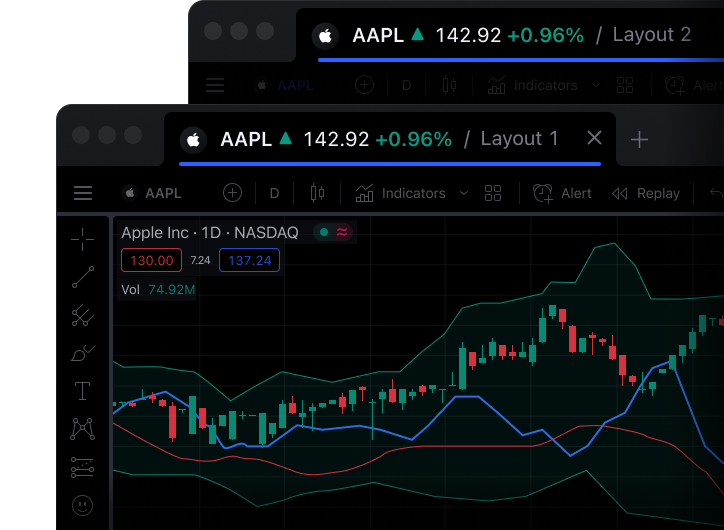
Combine TradingView's advanced charting and analytical tools with our ultra-competitive pricing across FX, stocks, ETFs, futures and more.
Open an account
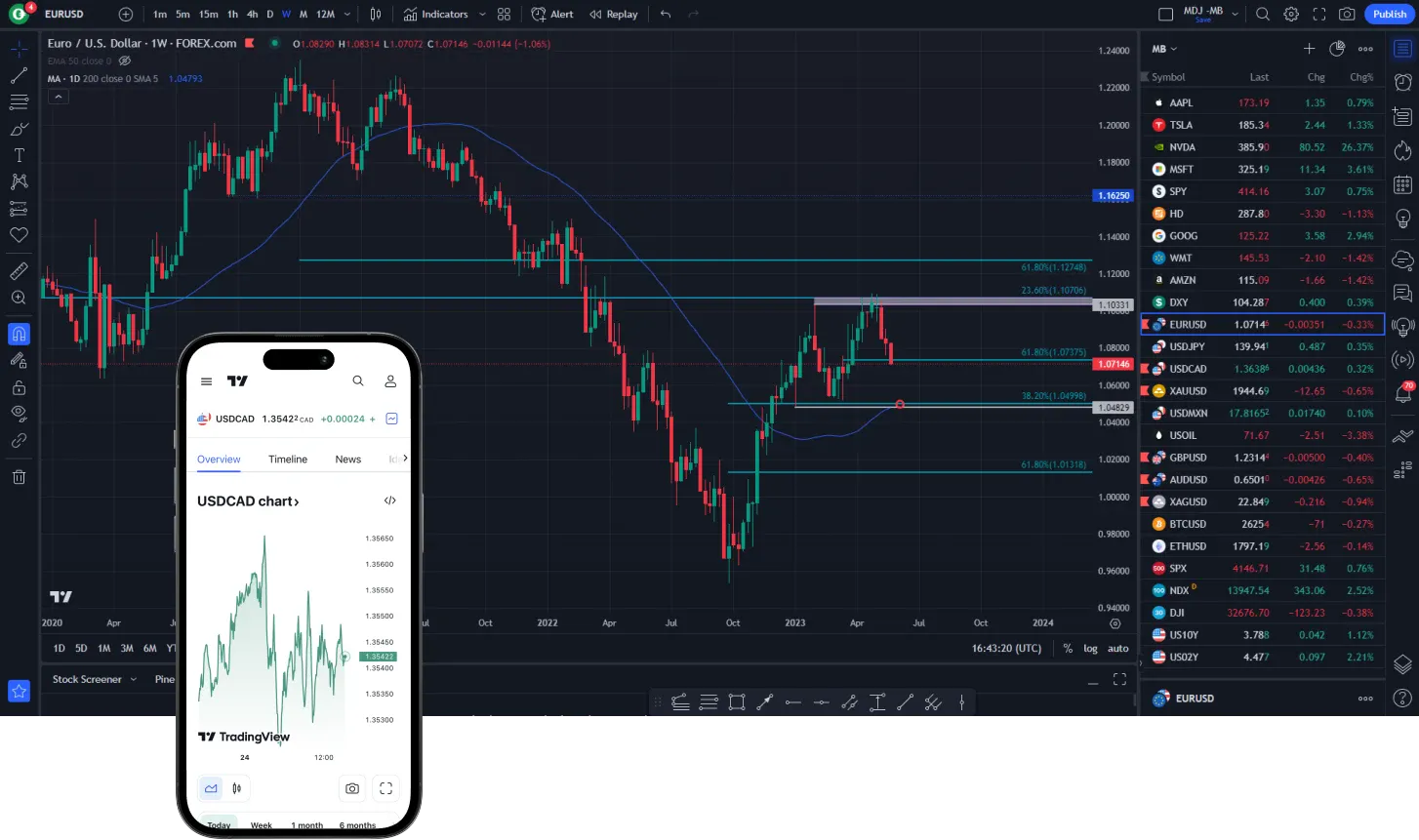
Level up your trading experience with TradingView's world-class charting tools and access our unparalleled range of asset classes directly.
Trade across global markets with ultra-competitive spreads and commissions tailored to your volume.
See pricing overviewReceive dedicated, round-the-clock support from our trading specialists whenever global markets are open.
Explore our supportPartner with a fully licensed and regulated bank that has been serving traders and investors globally since 1992.
About SaxxoWe don't charge any additional fees to use the TradingView platform. You pay exactly the same low commissions as you do on our proprietary platforms.
Please note that you will need a paid TradingView subscription to access advanced charting and real-time market data directly in TradingView.
Open your Saxxo account in a few simple steps and fund it securely.
Log into TradingView, navigate to the Trading Panel, and select Saxxo as your broker to link your accounts.
Execute trades directly from the charts and manage your portfolio seamlessly across both platforms.
Multiple chart types, custom intervals, and sophisticated drawing tools.
View up to 8 charts per tab with synced panning, zooming, and crosshairs.
Access over 100,000 community-built indicators and write your own in Pine Script.
Set highly flexible alerts on price, indicators, and strategies that trigger instantly.
All your charts, layouts, and watchlists sync automatically across devices.
Trade securely through TradingView while your funds remain safely held at Saxxo.